
We will give you the ride that is near to you!
Ospace assigns every ride to the closest available driver. Drivers spend less time on the road between jobs, and families get a driver from their own neighbourhood.
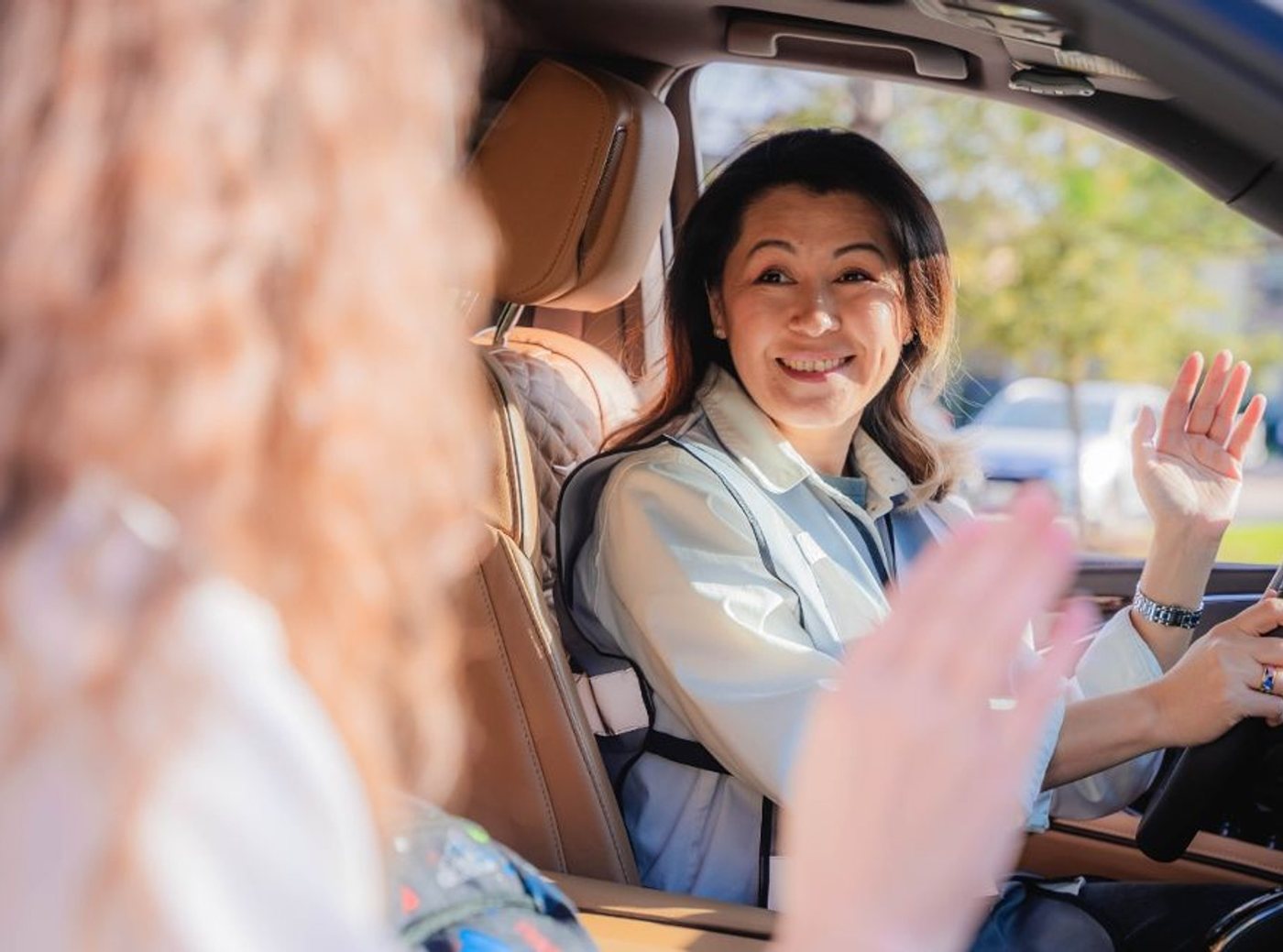
The parents or the teacher take the kids from and to the car
Drivers never enter a home or a school building. At every pick-up and drop-off, an adult you know walks the student to or from the vehicle, and the driver confirms the hand-over in the app.
- Location — the driver waits at the agreed pick-up spot
- Hand-over — a parent, guardian or teacher brings the student to the car
- Arrival — the student is released only to the designated adult
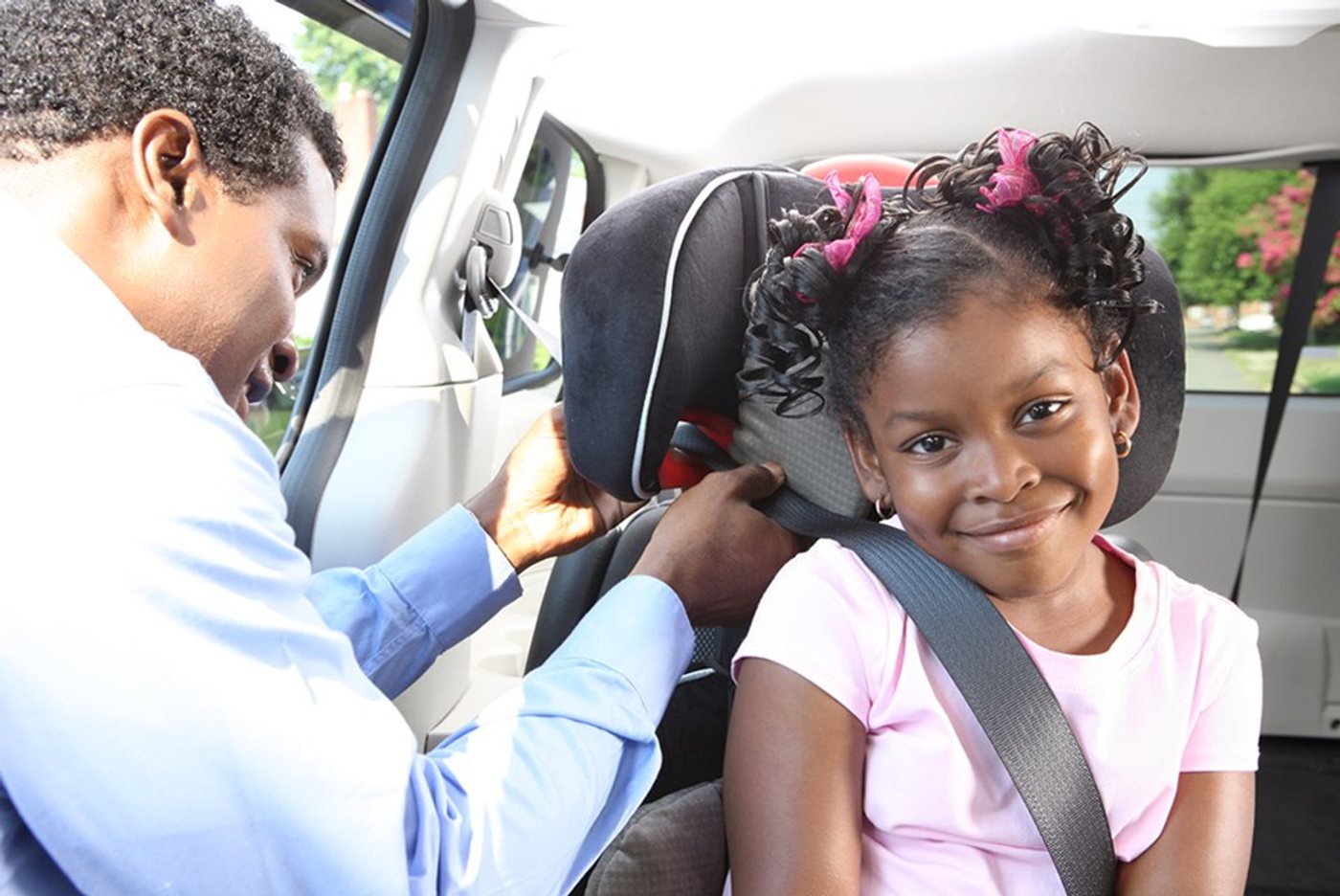
Seat belts on, every student, every ride
Before the car moves, the driver checks that every student is buckled in. No exceptions, no unscheduled stops, no phone use except hands-free navigation.
- Vetted driver — background check, drug and TB screening, insured four-door vehicle
- Tracked ride — the driver's location is logged from check-in to drop-off
- Same friendly face — the same driver whenever possible, morning and afternoon
Morning run, afternoon run
- 1
Ride offered in the app
The driver closest to the student's home sees the ride first, with the pick-up time, address and school.
- 2
Pick-up at home
The driver arrives a few minutes early. The parent walks the student to the car and the driver taps “picked up”.
- 3
Drop-off at school
A teacher or school staff member receives the student at the designated spot. The driver taps “dropped off” and the family is notified.
- 4
Afternoon, in reverse
Same driver where possible, same hand-over at both ends, home safe.
Getting started is four steps
Apply online
Tell us about yourself and your vehicle. It takes two minutes.
Upload your documents
Driver's license, insurance, registration and test results go into your secure driver portal.
Sign & get approved
E-sign the driver agreements online. We review everything and confirm your approval.
Download the app & drive
Install the ADROIT Driver app, set your availability and accept rides near you.