
Set up the ADROIT Driver app
Ospace rides are dispatched through the ADROIT Driver app. Follow the four steps below and you'll be ready to receive rides in a few minutes.

Download the app
Grab your phone and follow these steps:
- Open the App Store (iPhone) or Google Play (Android) on your device.
- Search for ADROIT Driver and look for the ADROIT icon.
- Download and install the app.
- Open it and choose Sign in or Create an account.
- Your username is your phone number and your password is your date of birth.
- Follow the on-screen steps to continue.

Fill in your information
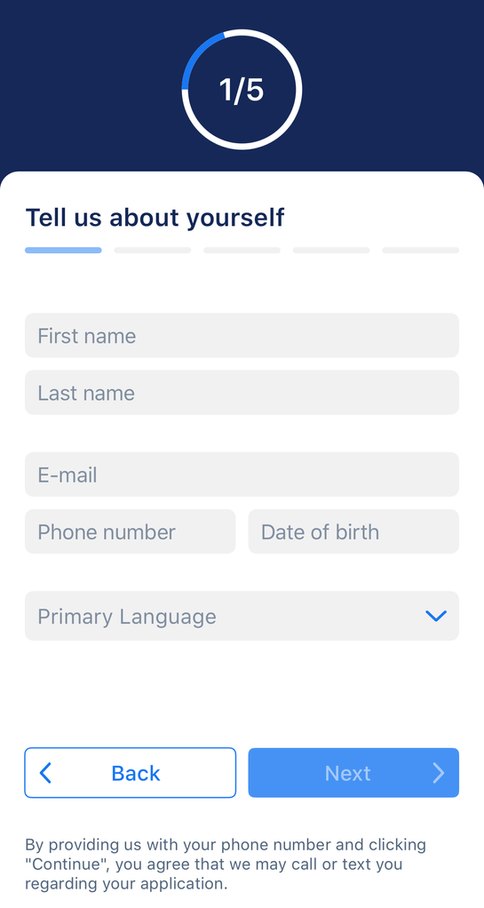
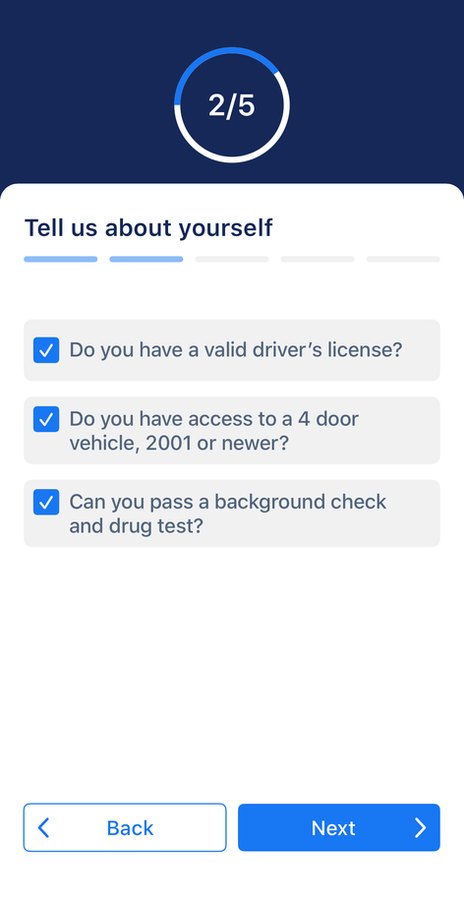
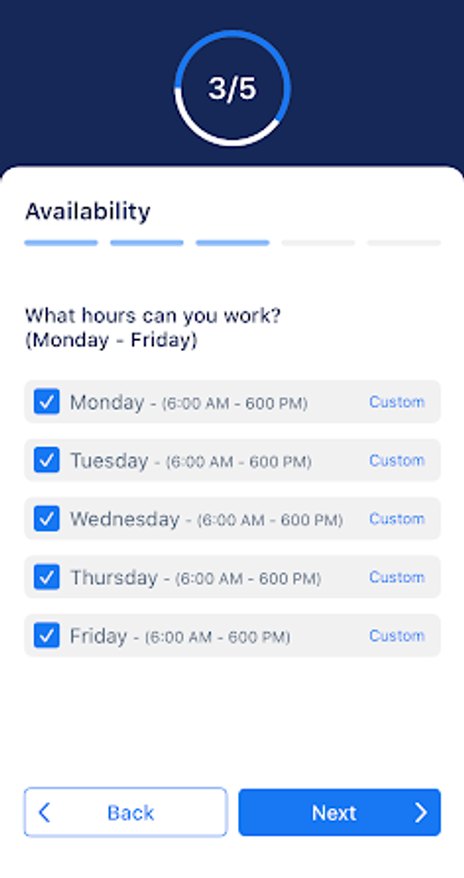
The app walks you through onboarding one screen at a time. You'll introduce yourself, confirm you meet the driver requirements and tell us when you're available to drive. Welcome to the ADROIT family!
- Tell us about yourself — name, email, phone number, date of birth and language
- Confirm the basics — valid driver's license, a four-door vehicle from 2001 or newer, and a clean background and drug test
- Set your availability — tick the weekdays and hours you can work (Monday to Friday)
Enter our service number
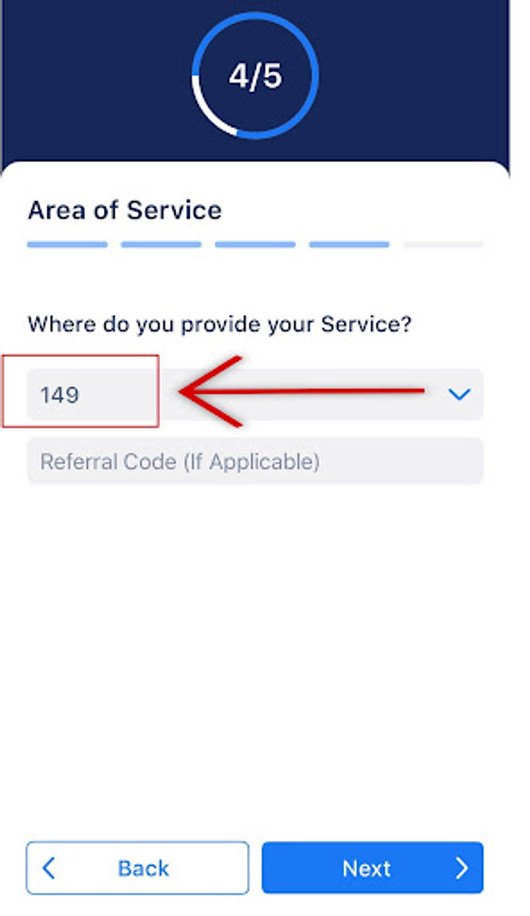
On the Area of Service screen, where it asks “Where do you provide your service?”, enter the number below. This links your account to Ospace so our rides reach you.
The referral code field is optional. Leave it blank unless someone gave you one.
Confirmation
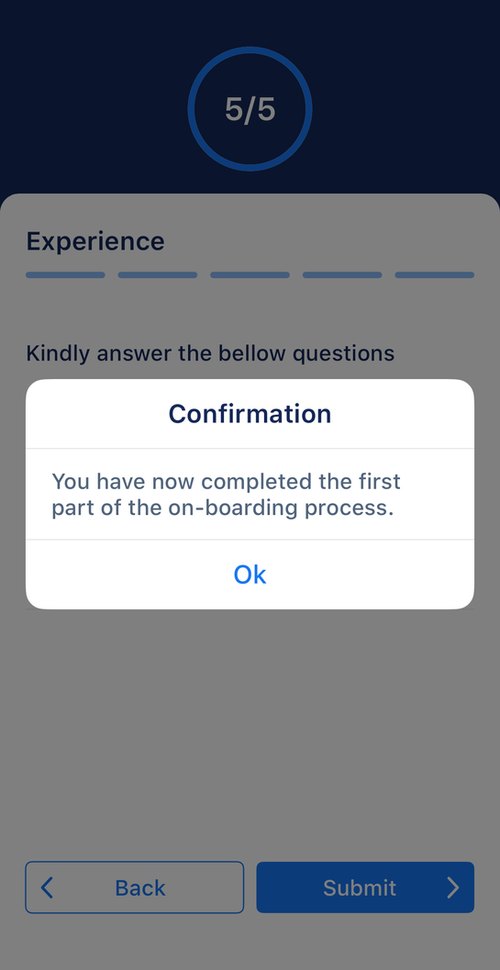
Answer the short experience questions and tap Submit. You'll see a confirmation that the first part of onboarding is complete.
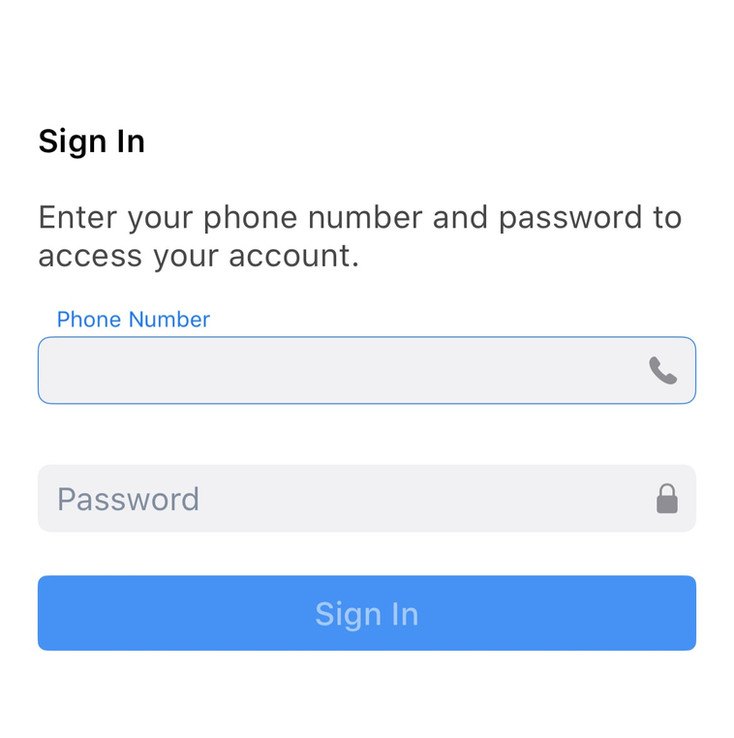
Now sign in with your phone number and your password (your date of birth). Once your Ospace application is approved, rides near you start appearing in the app.
Need a hand with the app?
Call us and we'll walk you through it. Not approved yet? Finish your documents in the driver portal first.